
Digital scrapbooking is still about selection
A scrapbook is not defined by paper glue. It is defined by choosing fragments and arranging them into a point of view. Digital tools change the materials, but the satisfying part remains: deciding that this photo belongs beside that sentence, leaving a corner empty, or repeating one color across a page.
Niello is intentionally page-based rather than feed-based. A page has edges. It asks you to compose a moment instead of endlessly adding to a stream. That constraint makes finishing possible.
Start with a tiny kit
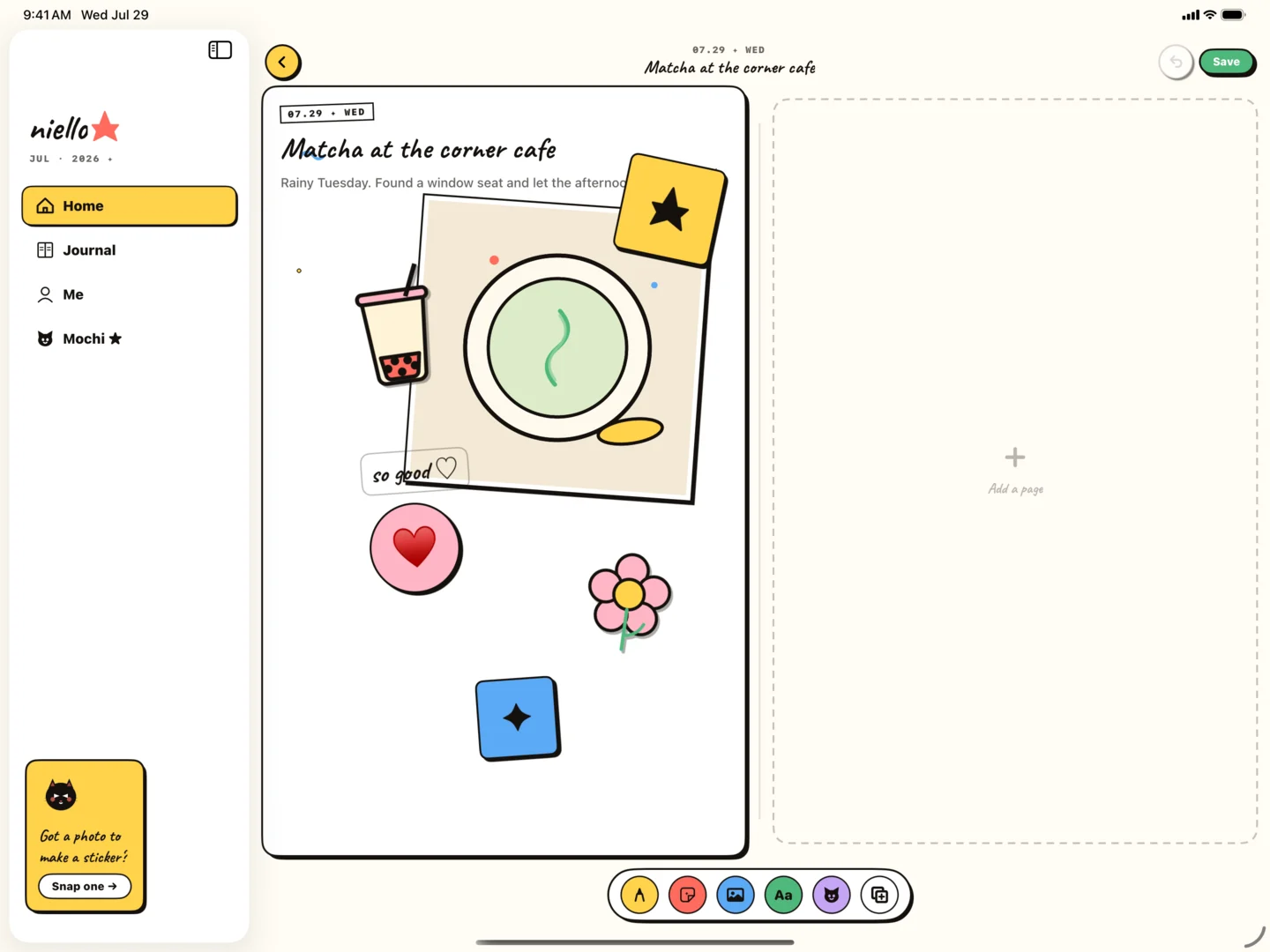
Physical scrapbookers often keep a small kit to avoid decision fatigue. The same idea works digitally. Pick one or two photos, one personal sticker, one preset shape, and one short block of text. Use a limited palette sampled from the moment.
A tiny kit creates coherence automatically. It also makes the journal sustainable: you can complete a page during a train ride or before bed, rather than waiting for a free afternoon that never arrives.
- One scene-setting photo
- One cut-out detail or personal sticker
- A title that names the moment
- Two to four lines of context
- One repeated color for visual continuity
Physical and digital scrapbooks can coexist
Digital is better for undo, portability, duplication, and quick capture. Physical is better for texture, handwriting pressure, and the presence of original objects. You do not need to choose a team.
Use Niello as the everyday layer: collect and arrange while the details are fresh. Later, print a favorite page or use it as a plan for a physical spread. The digital page can be the finished artifact or the sketchbook for something tactile.