
Use the larger canvas for decisions, not for more clutter
More space can make a page calmer or simply make room for more objects. Begin by deciding where the eye should land. Place the main photo or title first, then protect the empty area around it before adding smaller pieces.
On iPad, zoom and precise selection make subtle alignment easier. Use that precision to improve hierarchy: one dominant element, one supporting element, and a few quiet accents.
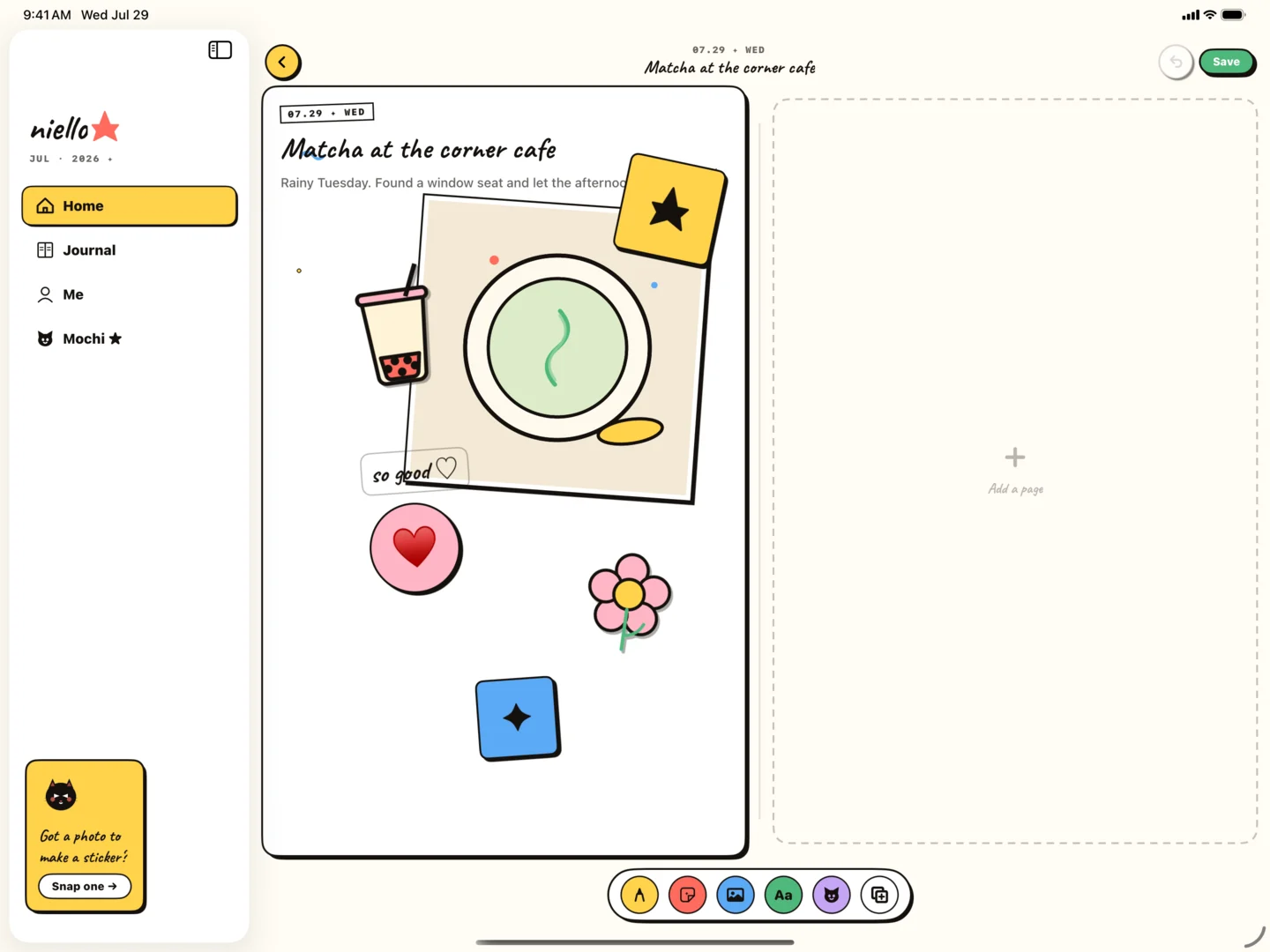
Treat Apple Pencil as a placement tool first
Apple Pencil is valuable even before handwriting enters the workflow. It makes selecting, nudging, and arranging small page elements feel direct. That can be especially helpful when a finger covers the detail you are trying to align.
Keep gestures intentional: select, move, check the overall balance, then continue. Constant micro-adjustment can become another form of procrastination. The page only needs to feel like the day, not pass a layout exam.
- Block the composition with touch at a wide zoom.
- Use Pencil for precise selection and final placement.
- Zoom back out after each detailed edit to check hierarchy.
- Save a version once the story reads clearly, even if you keep refining.
Capture on iPhone, compose on iPad
A useful multi-device rhythm separates noticing from arranging. Capture the photo and a short line when the moment happens. Return on iPad when you want a larger creative surface.
This avoids two common failures: waiting to record anything until you have time for a beautiful page, and forcing a detailed composition on a small screen when you are already tired. Each device does the part it is best at.