
Why a sticker can say more than another camera-roll thumbnail
Most camera rolls are full of good details trapped inside forgettable frames. The pastry from a Sunday café, a ticket stub on the table, or the tiny plant that finally grew a new leaf may not deserve a full photo album. They still deserve a place in the story.
Niello lets you turn those details into reusable visual notes. The result is less like cataloguing photos and more like making a page by hand: choose what matters, place it with intention, and write the sentence that gives it meaning.
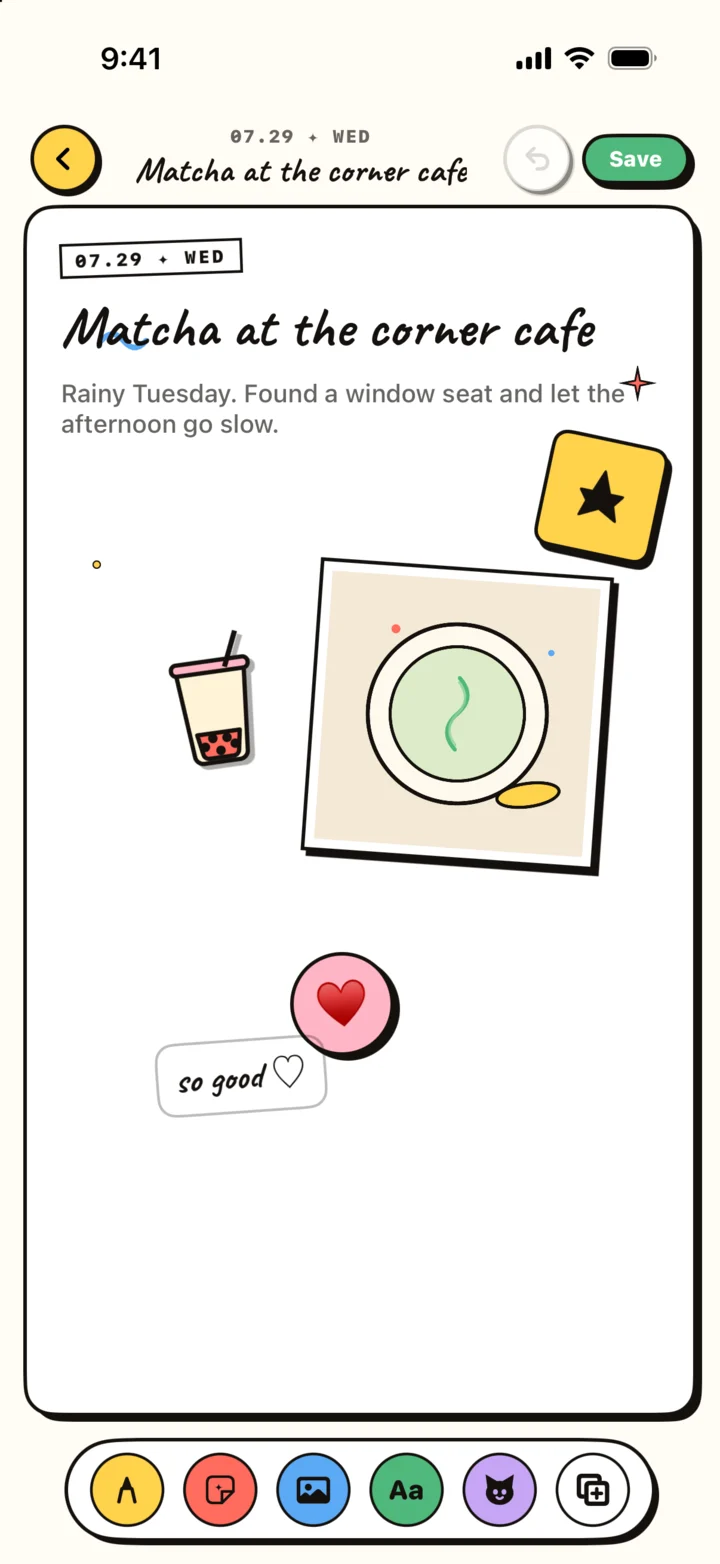
A simple camera roll → sticker → page workflow
Start with one ordinary photo, not a perfectly composed hero shot. Choose the object or detail you want to remember, create the sticker, and then return to the page editor. Scale and position it beside a short note, a date, or the original photo.
The useful constraint is to keep the first page small. One photo, one sticker, and two sentences is enough. You can always add more, but a finished small page is more valuable than an elaborate blank one.
- Pick a clear subject with visible separation from its background.
- Use the sticker as an accent, not as decoration everywhere.
- Write what the image cannot show: why it mattered, who was there, or what changed.
- Save the sticker for future pages when it becomes part of a recurring ritual.
Sticker ideas that become better with repetition
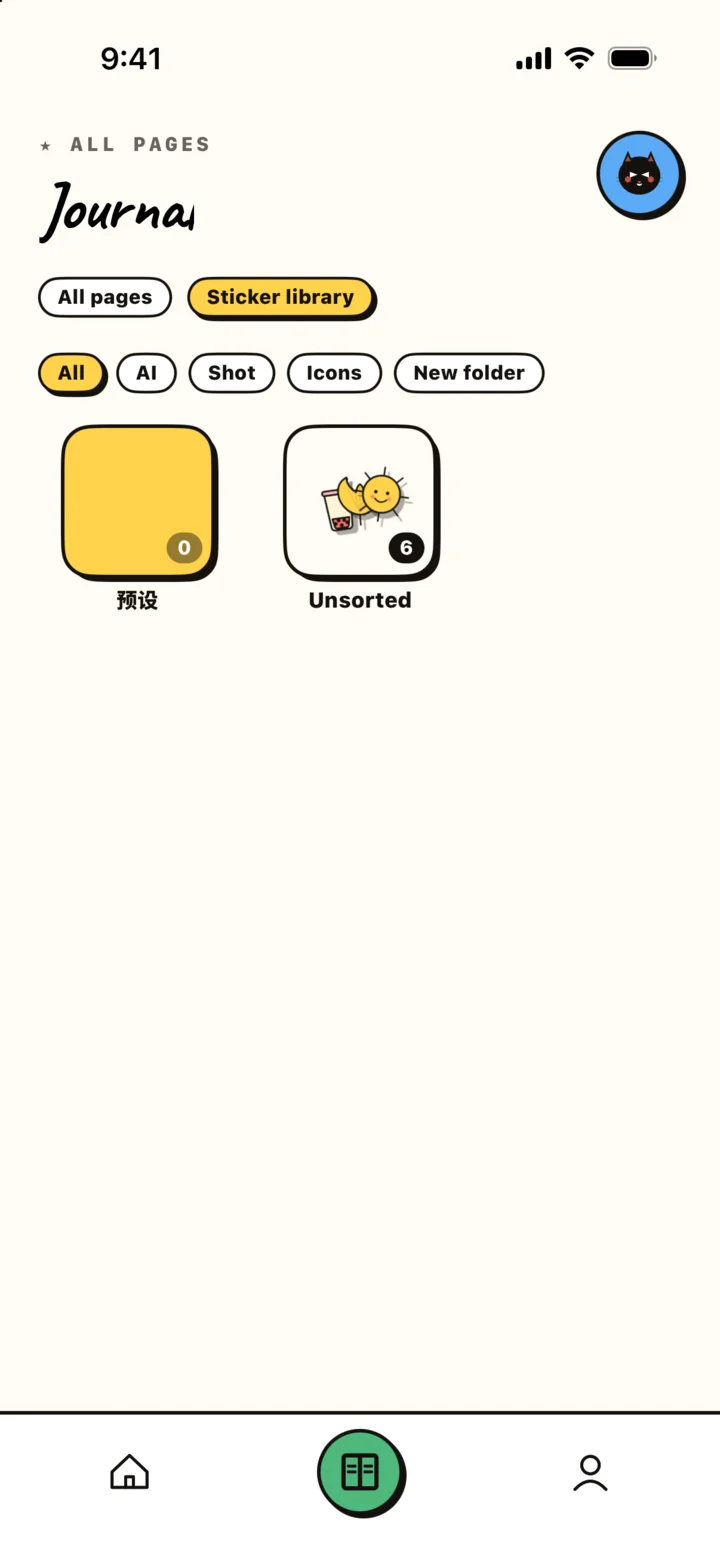
Personal sticker libraries are most useful when they reflect your actual days. A recurring coffee cup can mark café visits. A running shoe can track training days. A friend’s dog can quietly appear across a season of walks. Repetition creates a visual index without turning your journal into a spreadsheet.
Try building small sets around routines: food you cook, books you finish, places you return to, objects from a trip, or signs of a changing season. The goal is not to collect everything. It is to notice what keeps returning.