
How to turn everyday photos into journal stickers on iPhone
The best sticker subjects are often not spectacular. They are the small objects your camera roll would otherwise forget.
The short version
- Choose a photo for one clear, meaningful detail—not for technical perfection.
- Use the sticker to support a page rather than fill every empty space.
- Pair the visual with one sentence the photo could never tell you later.
- Reuse personal stickers when they become a symbol for a recurring part of life.
Before you start: choose a memory-sized subject
Open your camera roll and ignore the obvious favorites for a moment. Look for a photo with one detail you immediately recognize: the mug from a weekly café, the flower you found on a walk, the book that stayed open on your desk, or the strange little sign that made everyone laugh.
A good sticker subject has a recognizable outline and a reason to exist on the page. The reason matters more. If you cannot finish the sentence “I want to keep this because…,” the full photo may be enough.
For the cleanest result, use a photo with steady light and visible separation between the subject and its background. You do not need a plain studio wall. You only need the object to be visually distinct enough that its shape reads at sticker size.
- Good first subjects: food, flowers, pets, objects, signs, shoes, tickets, and small travel details.
- Harder first subjects: motion blur, transparent objects, heavy shadows, or a subject touching many similar-colored objects.
- Sensitive subjects: faces, private documents, addresses, and anything you would not want to reuse accidentally.
Step 1: make the sticker from your photo
In Niello, begin a page or open the sticker area and choose a photo from your library. Focus on the one element that carries the memory. Let the app prepare the cut-out, then inspect the result at both a large and a small size.
Do not judge only by the edge at maximum zoom. The more useful question is whether the subject stays recognizable when it sits beside text and another photo. Small edge imperfections often disappear at normal page scale.
Choose the photo
Use an image with a clear focal subject. A casual photo is fine; the subject simply needs to read.
Create the cut-out
Let Niello isolate the subject. Check that the silhouette still communicates what you meant to keep.
Save it to your sticker set
Give the sticker a place in your personal library so it is available for this page and future ones.
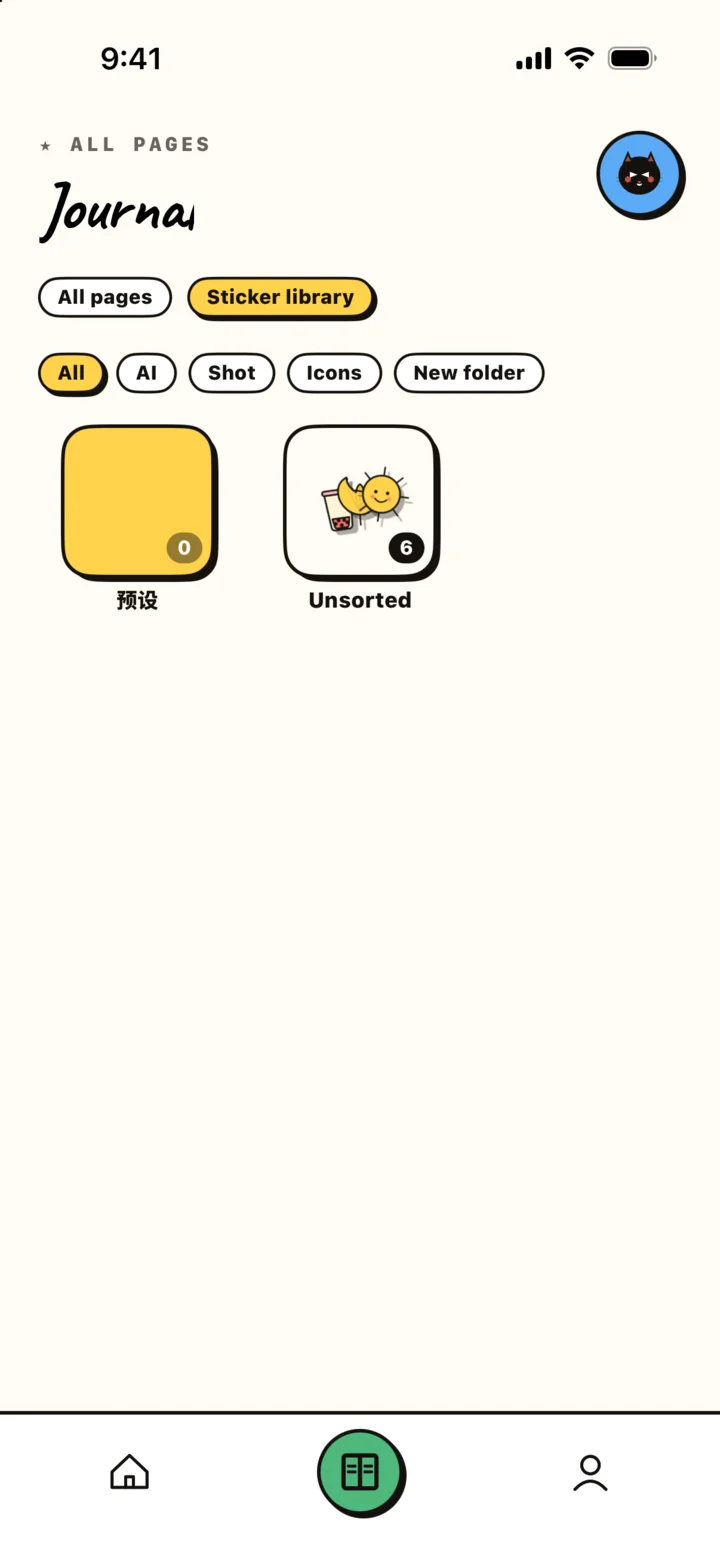
Open a prepared photo, create the cut-out, inspect it, and save it to the personal sticker library.
Step 2: place the sticker so it has a job
Return to the page editor and decide what the sticker is doing. It may point toward a caption, balance the weight of a photo, repeat a color, or act as a tiny signature for a recurring ritual. If it has no job, it is probably decoration the page does not need.
Start slightly smaller than you think. Personal stickers feel special, so it is tempting to make them dominant. Unless the sticker is the entire point of the entry, let the photo or title lead and use the sticker as a second beat.
Rotate only enough to create energy without making the subject difficult to read. Then zoom out. A page is experienced as a whole, and the correct position is often clearer at overview scale than during close editing.
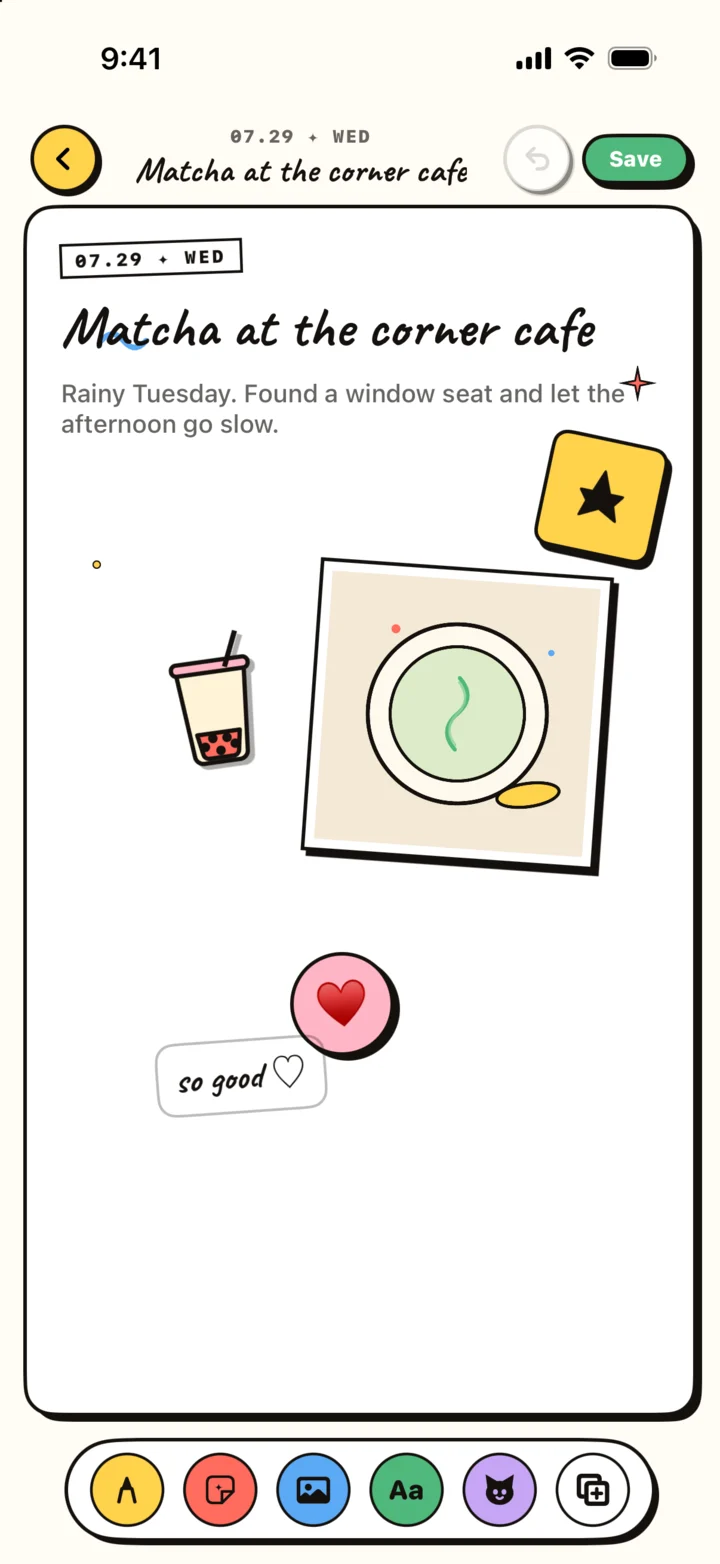
Add the saved sticker to a page, adjust scale and rotation, then zoom out to check the composition.
Step 3: write what the sticker cannot remember
The image can preserve the object. Your sentence should preserve its meaning. Avoid describing what is already visible. “A green cup on a table” adds very little. “We stayed until the rain stopped and ordered one more matcha” restores time, mood, and action.
When you are unsure what to write, answer one of four questions: Why did I notice this? Who was with me? What happened immediately before or after? What would be impossible to infer from the image?
Keep the answer in your natural voice. Fragments, private jokes, and precise sensory details often age better than a polished summary because they bring back the way the day actually sounded.
Build a small personal library instead of collecting everything
After a few pages, notice which stickers you want to use again. Those are usually connected to recurring people, places, hobbies, or rituals. Keep them. A personal library becomes useful when it behaves like a visual vocabulary, not a warehouse.
You can make a small set for a trip, a season, a creative project, or a weekly routine. Reusing one symbol creates continuity across pages and makes future review more rewarding. The sticker becomes a quiet index: this was another café morning, another run by the river, another night working on the same idea.
Remove or ignore stickers that no longer carry meaning. Curation is part of the practice. A library with twenty recognizable personal symbols is often more expressive than one with hundreds of unrelated cut-outs.
Five common mistakes—and the quick fix for each
The workflow is forgiving, but a few habits make pages harder to read. Most are solved by reducing rather than adding.
The subject disappears at small size
Choose a simpler silhouette or use the full photo instead. Not every good memory detail makes a readable sticker.
Every corner has a sticker
Keep the two that carry meaning and remove the rest. White space is part of the composition.
The sticker repeats the photo exactly
Use a different detail, crop the photo differently, or let the sticker stand alone.
The caption only describes the image
Add the invisible fact: a sound, a line of dialogue, a reason, or what happened next.
You keep editing and never save
Stop when the memory reads clearly. A finished honest page is better than a perpetually optimized one.