
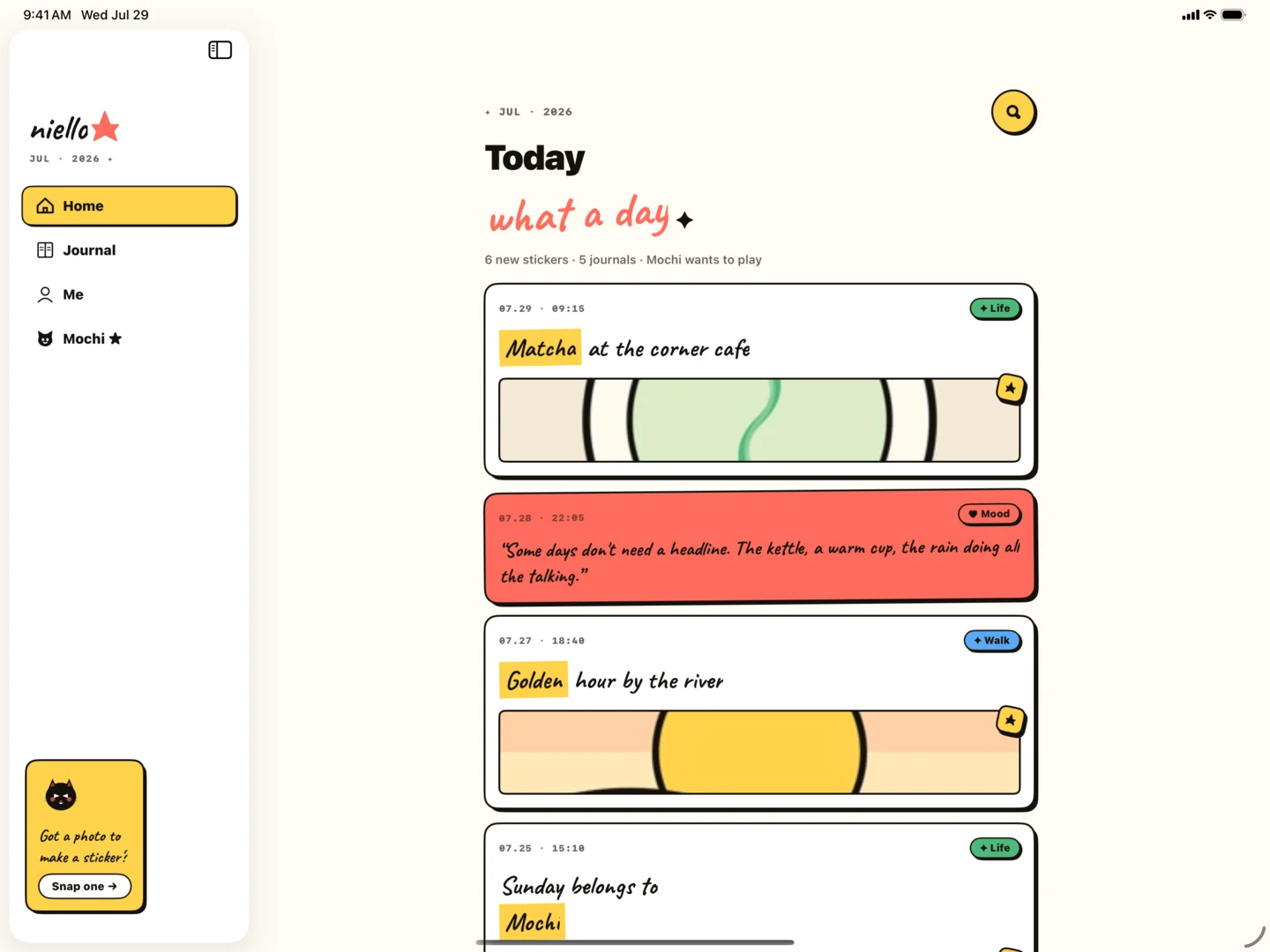
Write a small creative brief before asking for a layout
Good page layouts begin with priorities. Decide which photo carries the story, how much you want to write, and whether the page should feel quiet or energetic. This takes less than a minute and prevents a decorative result from hiding the actual memory.
A useful request sounds like: “One café photo, a two-sentence reflection, warm and calm, with plenty of empty space.” It names the ingredients, the emotional direction, and a constraint without pretending you already know the answer.
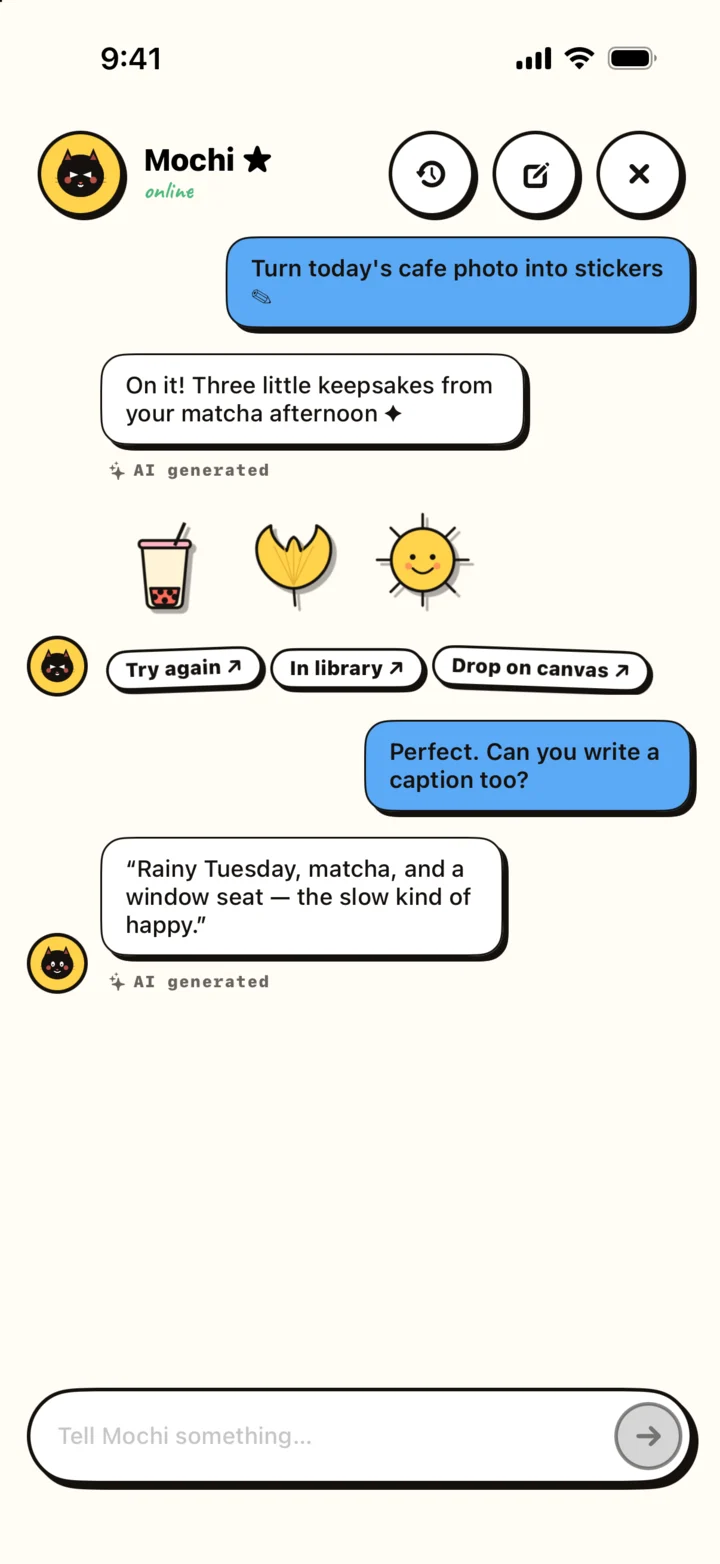
Evaluate the suggestion in three passes
First, check the story: does the main image still feel main, and is the writing easy to find? Second, check the rhythm: is there enough variation in size and enough empty space? Third, check the personality: is there something on the page that could only have come from you?
If the first pass fails, fix hierarchy before color or decoration. If the second fails, remove something before adding something. If the third fails, bring back a personal phrase, a handmade sticker, or a deliberately imperfect placement.
- Story: the reading order is obvious.
- Rhythm: scale and spacing create calm or energy intentionally.
- Personality: the page contains your language and visual memory.
Know when the page is finished
AI can make iteration feel limitless. A journal page benefits from an end condition. Stop when the main memory is clear, the words are readable, and nothing important is competing for attention.
Do not optimize away every asymmetry. Small irregularities can make a digital page feel handled rather than generated. The purpose is to preserve a day, not to demonstrate the tool.